
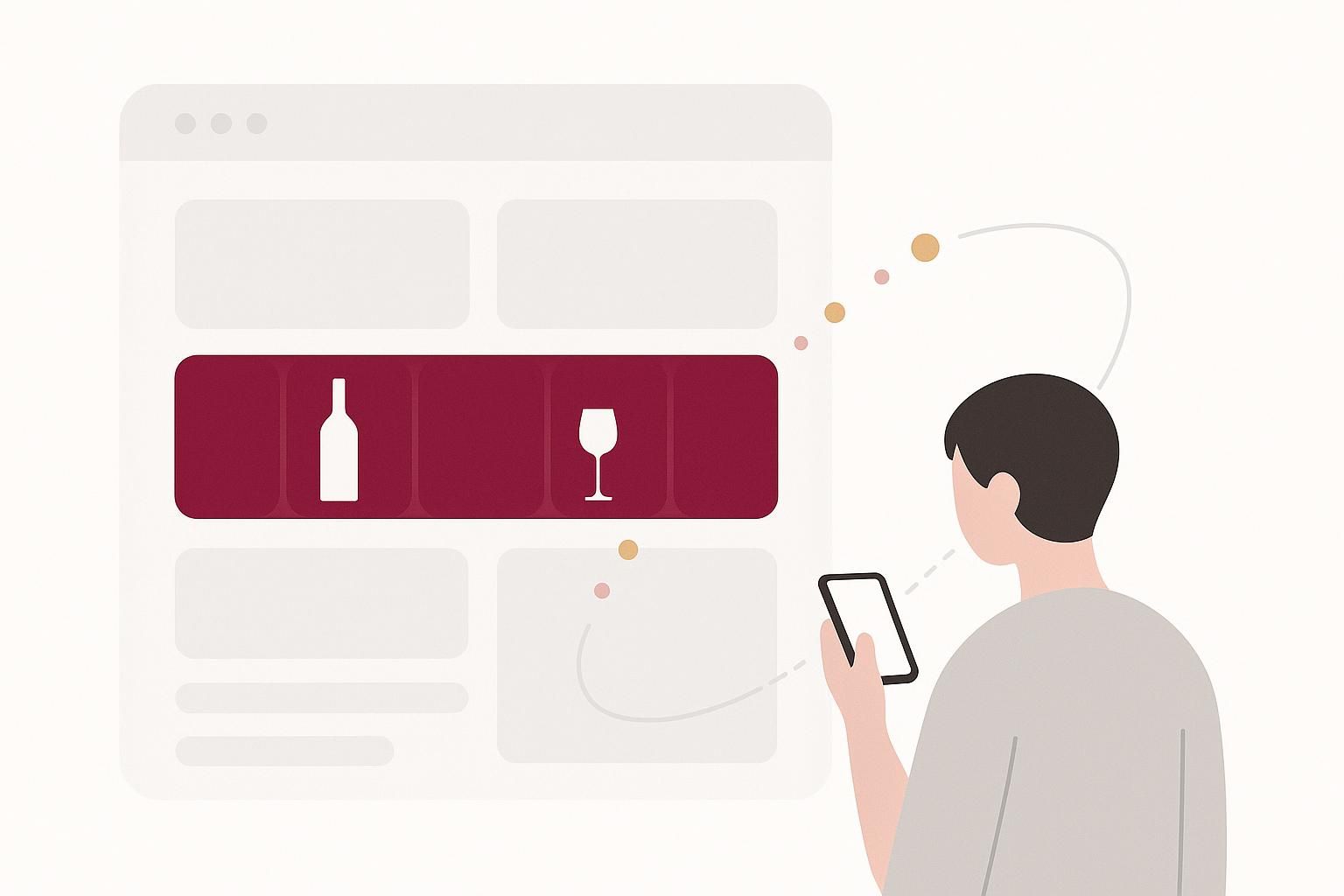
Most of the people on your wine shop right now will never type a single word. They land on a category page, scroll past forty bottles, open two product pages and leave. No question asked, no filter touched, nothing learned.
For years, the answer to that silence was a chatbot: a bubble in the corner that waits to be clicked. It rarely is. Not because visitors dislike help, but because an empty box asks them to do the hardest thing in commerce: start.
AI personalization for e-commerce has moved past that box. The new sommelier.bot AI Banner does not wait for a question. It reads the page and the visitor, opens with suggestions that fit both, and turns every tap into a taste profile, with no account and no login. This article explains what that means for a wine merchant, and shows it live: the two banners inside this article are reading it as you scroll.
The silent majority: why a chatbot was never the answer
A chatbot is a reactive tool. It does nothing until a visitor decides they have a question, finds the bubble, and phrases that question well enough for a machine to answer. Each step loses people. On a wine site the loss is worse, because many shoppers cannot name what they want. “Something like the Chablis I had at a restaurant last month” is hard to type. “A red that is not too heavy” feels naive in a search box.
So the real question for a merchant is not “how good is my chatbot?” It is “what does my site do for the visitor who never asks?”
Until now, the honest answer was: nothing personal. A first-time visitor and a loyal customer saw the same homepage, the same bestsellers, the same banners. Personalization engines existed, but most needed a login, a purchase history or weeks of data before they could say anything useful. The passive visitor, who is the majority, got the generic shop.
Context first: the AI reads the page before it speaks
The sommelier.bot AI Banner starts from the one thing every visitor brings, even a brand new anonymous one: the page they are on.
When the banner loads, it reads the page’s URL, title, meta description, H1 and H2 headings and structured data. On a Burgundy category page, it opens with Burgundy. On a gift guide, it opens with gifts. On a product page, it knows the bottle, its grape, its appellation and its structure. On a blog article like this one, it reads the article.
That has two consequences merchants care about:
- No configuration per page. The same line of code works on the homepage, a category, a product, an article or a landing page. Every banner on a page shares one context.
- No empty box. Instead of “How can I help?”, the visitor sees a suggestion that already fits what they are looking at, and taps it.
The grid banner below is the flagship format: six visual routes into the catalogue, generated for this page. Refresh and the copy changes, because it is written for the page and the visitor, not stored.
Notice what it did not ask you to do: type. A visitor who would never write “I need a red for lamb under 30 euros” will happily tap a tile about dinner tonight. The AI sommelier then asks two or three sharp questions and suggests bottles from the merchant’s live stock, each with a reason.
Personalization without a login
Context tells the AI what the page is about. Personalization tells it who is reading. Most systems need an account for the second part. The AI Banner does not.
The taste profile is written from the first tap. Choose a tile, react to a suggestion, adjust a taste slider: each interaction is a signal about style, body, sweetness, acidity, budget or occasion. There is no sign-up form and no login. After three to five interactions, the profile is strong enough to rank the catalogue for that visitor and to score a bottle against their palate.
The system is also honest about what it does not know. On a first visit, recommendations are ranked from the page alone. A taste match score only appears once there is a palate to score against. It does not invent a percentage for someone it has never met.
The “Top picks for you” banner below shows this in action. It takes what this page is about, ranks the catalogue against your taste profile, and shows the bottles that match you rather than the bestsellers. Tap two or three tiles in the grid above, reload the page, and watch the selection move.
This is what personalized product recommendations should mean in wine. Not “customers who bought this also bought that”, but “given what you have shown us about your palate in the last two minutes, these are the bottles on this shelf you are most likely to enjoy.”
Everywhere: one AI sommelier, every page, one conversation
A chatbot lives in one corner. The AI Banner is a family of surfaces that share one engine, one taste profile and one conversation:
- Homepage: the grid banner above the fold, the first impression for a brand new visitor.
- Category pages: top picks, ranked for the visitor inside the category they chose.
- Product pages: similar bottles matched on appellation, grape and structure rather than on words in the title, a taste match score, and taste sliders that teach while they sell.
- Articles and guides: a quiet single-line text banner mid-article, with the same engine as the grid.
- Anywhere: photo recognition. A visitor drops in a picture of a label, a shelf or tonight’s dinner, and the AI sommelier answers from live inventory.
- Beyond your site: banners on publishers’ and creators’ content, where readers ask in context and buy from partner merchants’ stock (see sommelier.bot for publishers).
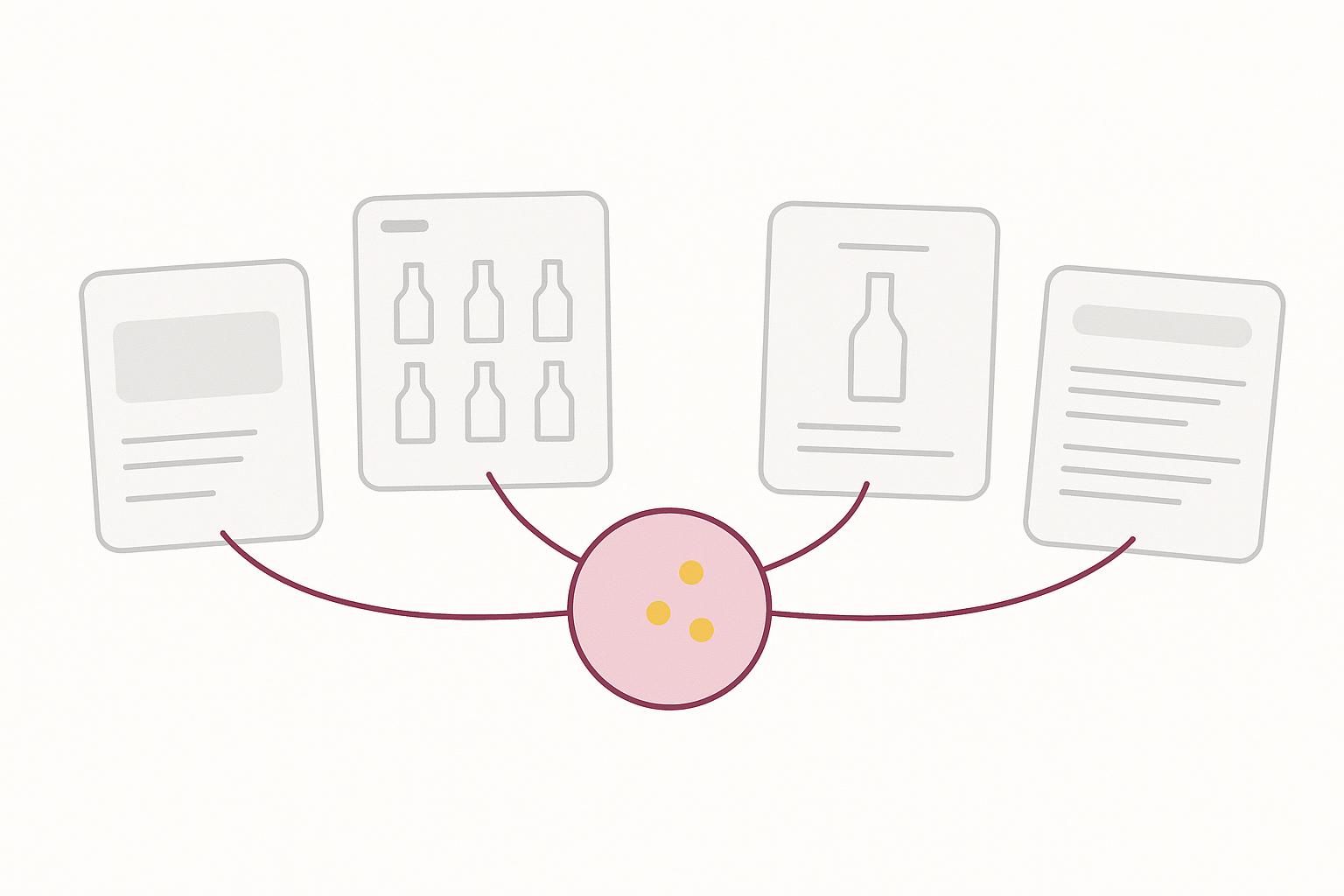
Every one of them opens the same thread. Whatever a visitor tapped on the homepage is already known on the product page, and the AI never asks twice. The conversation is not limited to wine either: the same AI sommelier handles a peated single malt, a food pairing or a delivery question in one thread.
What passive visitors give back: intentions, not impressions
A classic banner sells impressions. An AI Banner collects intentions. Every tap on an occasion says “I have a moment to buy for.” Every adjusted slider says how a visitor really drinks. Every photo of a dinner plate is a question no search bar would have captured.
For a merchant, that changes three things:
- Engagement that leads to a bottle. Visitors who would have browsed and left get a short, guided path to a wine they are likely to enjoy. Across our merchants, sommelier.bot recommendations reach a 23% click-through rate.
- Knowledge. You learn what your visitors are looking for, in their own words and taps, including the ones who do not buy on their first visit.
- Ownership. The conversation and the customer relationship stay on your site, instead of moving to marketplaces that charge 15 to 30% commission and keep the customer.
How to put AI personalization on your wine shop
The integration is one line of code per surface, on any CMS, with no plugin and no developer. A typical start:
- The grid banner above the fold on the homepage.
- Top picks on your main category pages.
- Similar bottles and the taste match score on product pages.
- A text banner in your blog articles and buying guides.
Every banner reads your catalogue, synced from your product feed, and your pages, in the visitor’s language. You can see every format running live, with its code, on our AI Banners page, and how the AI sommelier works end to end on How it works. More than 40 merchants already use sommelier.bot, and over 100,000 wine lovers have talked to it.
If AI search is also changing how customers find you in the first place, read our guide to AI search for wine merchants and the wine merchant’s AI stack.
FAQ
Is the AI Banner a chatbot?
No. A chatbot waits in a corner for a typed question. The AI Banner sits in the content, reads the page and the visitor, and opens with suggestions that fit both. Behind it is a full AI sommelier that can hold a conversation, but the visitor never has to start from a blank box.
Does personalization need an account or a login?
No. The taste profile is written from the visitor’s first tap, with no account and no login. On a first visit, recommendations are ranked from the page context alone.
What does the banner read on my page?
The URL, the title, the meta description, the H1 and H2 headings and the structured data. That is why the same line of code works on every page without configuration.
Which platforms does it work on?
Any website: Shopify, WooCommerce, Magento, WordPress or a custom site. The integration is one line of JavaScript, and your catalogue is synced from your product feed.
Can I see it on my own catalogue?
Yes. We build a demo on your own catalogue so you can try the banners with your bottles before you decide. Ask for your demo.
Test the leading AI sommelier
Open the sommelier.bot app and start a full conversation about wine & spirits.
If you like it, get it for your own inventory, or upload it for FREE on the public sommelier.bot AI app.


