

Most wine merchants who want to add AI to their website picture a project. An agency, a new theme, a data clean-up, three months of meetings. Then they picture the result: a chat bubble in the corner that nobody opens.
A good AI sommelier integration looks nothing like that. It is two lines of code in the head of your site and one short tag wherever you want the AI sommelier to show. Your catalogue goes in as it is.
This article walks through exactly what goes where: the two lines, the tags, which AI Banner fits which page, what happens with your catalogue, and how you measure the result on your own visitors.
What a good AI sommelier integration looks like
The hard part of an AI sommelier is not on your website. It is the wine judgment, the sales techniques and the product knowledge behind it. We explain that side in how an AI sommelier thinks like a sommelier. A good integration hides all of it behind very little code.
Here is what that means in practice:
- No replatforming, no redesign. You keep Shopify, WooCommerce, PrestaShop or whatever runs your shop today, and your checkout.
- Your brand. You set the colours, fonts, logo and tone of voice in the dashboard, not in the code.
- Blocks, not a bubble. The AI sommelier appears inside your pages as AI Banners, each doing one thing a good salesperson does.
- Never in the way. The script never blocks the page. If the service is ever unavailable, your page shows as before.
Two lines in the head: the AI sommelier on every page
The first step puts the AI sommelier on every page of your site. You paste two lines once, into the <head> of your site:
<link rel="stylesheet" href="https://cdn.sommelier.bot/embed.css">
<script src="https://cdn.sommelier.bot/embed.js" merchant="your-merchant-name" async></script>
Your merchant name comes from your own dashboard, already filled in when you copy the code. Once the two lines are in, the AI sommelier appears at the bottom of your pages, with nothing else to do.
It answers in the shopper’s language, reading the language of the page. It recommends only what you have in stock. On desktop, a side panel opens next to the conversation with the picks, the wine regions on a map, a “did you know” story for the table and a taste comparison.
If you would rather show it only inside your pages, there is a banners-only option: the conversation then opens when a shopper taps a banner.
This article runs the same two lines. Tap a choice below and you will see the conversation open already knowing where you are.
One tag per AI Banner
The two lines do the heavy lifting. Each AI Banner is then one short tag, pasted where you want it to show. The flagship, the grid banner, looks like this:
<sommelier-bot type="banner" layout="grid"></sommelier-bot>Each banner reads the page it is on: the address, the title, the headings, the product data. So the same tag works on every page of a type, with no settings per page. Paste it once in your product template, and every product page has it.
When a shopper taps a choice in a banner, the conversation opens already knowing the page and the choice made. Nobody starts from an empty box. Nobody is asked twice what they already answered. The taste profile behind this starts with that first tap, with no login and no account, as we explain in the taste profile that brings customers back.
Which AI Banner fits which page
Think of your shop floor. You would not greet a customer at the door with a tasting note, and you would not ask “what’s the occasion?” to someone holding a bottle. The same logic decides where each banner goes.
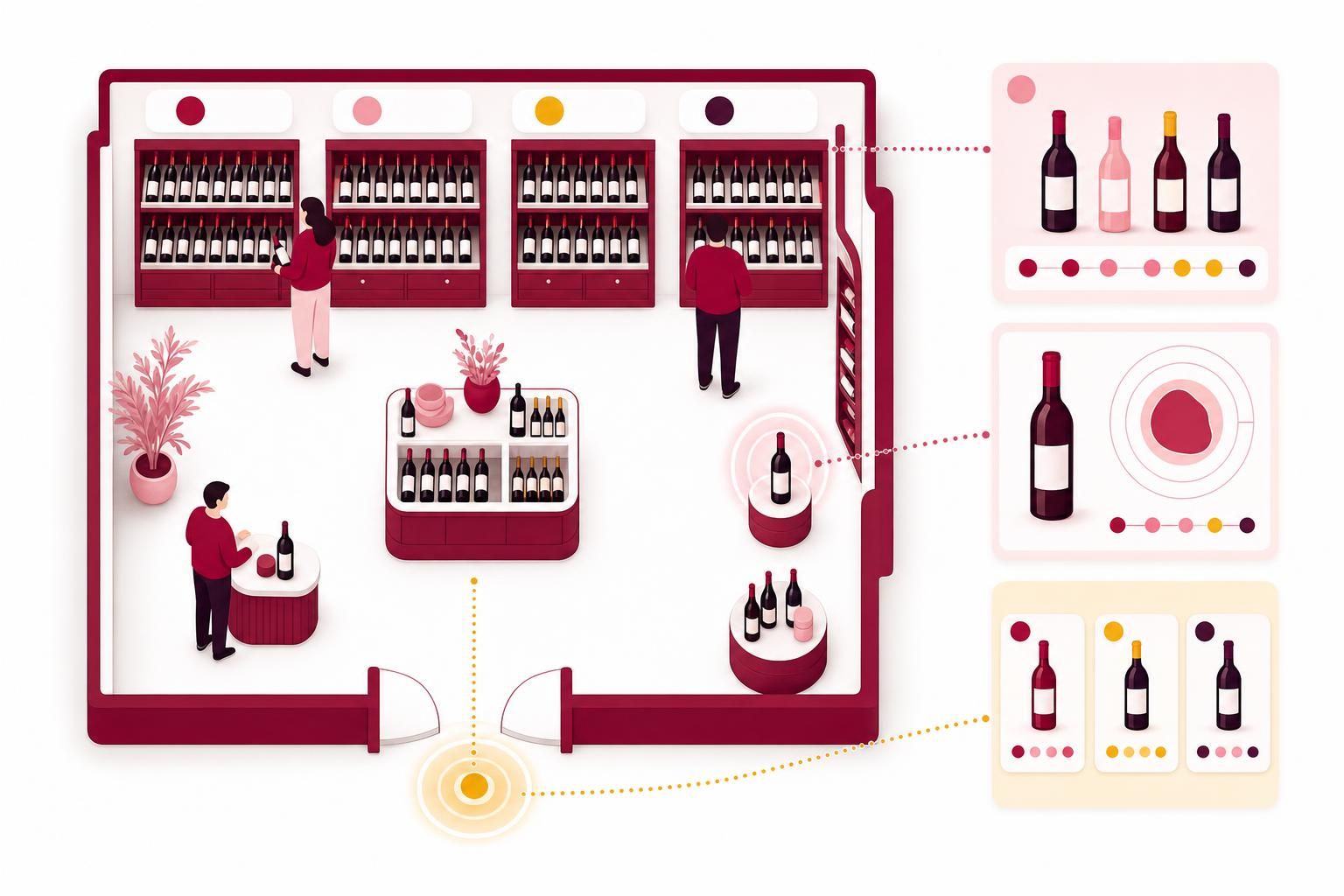
- Home page: the grid banner. Six visual choices instead of an empty search box: a gift, a dinner, something new. It works for a first-time visitor with nothing known yet.
- Category pages: top picks. On “red wines”, “Bordeaux” or “whisky”, the bottles ranked for this visitor. The more they tap, the more personal it gets.
- Product pages: similar products, taste match and taste profile. Similar products shows true equivalents by appellation, grape and structure. Taste match scores the bottle against the visitor’s palate, with the reason, near the price. Taste profile shows style, body, sweetness and acidity on four scales, near the description.
- Articles and guides: the text banner. The same opening as one editorial line, after an early paragraph. Your content becomes a way into advice.
- Help or advice pages: the photo dropzone. A shopper drops a photo of a label, a shelf or a dish, and gets an answer from your stock.
A good first set is short: the grid banner on the home page, top picks on category pages, similar products and taste match on product pages. You can see every banner live, each with its code, on the sommelier.bot demo shop, and the full list on the AI Banners page.
Picture a Friday evening. A customer lands on your home page looking for a gift for her father-in-law. She taps “a gift” in the grid. The AI sommelier asks two questions, then shows two or three bottles from your shelves, each with a match score and a reason. On a product page, the taste match tells her whether the bottle fits what she described. She never typed a search term.
Any CMS, no developer on most of them
The idea is the same everywhere: the head code once for the whole site, then each banner tag in a block meant for raw HTML. On most systems, that is a few clicks in the admin:
- Shopify: the two lines in
theme.liquid, banners as Custom Liquid sections in the theme editor. - WordPress and WooCommerce: a header code plugin or the theme’s header field, banners in a Custom HTML block or your page builder’s HTML element.
- PrestaShop, Magento, Shopware, Odoo: the head field or a header module, banners in an HTML block or the templates.
- Wix, Squarespace, Webflow: the custom code or code injection setting of your plan.
- A hand-built or headless site: the common layout, and the tag anywhere in the HTML. Tags added later by the page fill in automatically.
Your catalogue, as it is
This is where most AI projects stall: the product data must be cleaned first, and the project waits. Not here. You give one of three things: your Google Shopping product feed, a CSV or Excel export, or simply your shop link. Restaurants can start from their wine list. No clean-up first.
Most wine catalogues hold a name, a vintage and a price. That is enough for a till, not for advice. We match every product against a database of 3 million wines and spirits and fill in over 30 attributes, from grape and region to structure and food pairing. A feed is read again every night, so out-of-stock bottles drop out and only what you can sell is recommended.
How you know it works: measured on your own visitors
Installing is easy. The real question is whether it adds sales. Every merchant gets its own numbers, never another shop’s.
- A control group. A small share of your own visitors does not see the AI sommelier. Comparing the two groups shows what it adds to conversion, basket and returning customers.
- Your analytics. You connect Google Analytics with read access. Nothing else to install.
- The free month. During the first 30 days, you and our team read these numbers together.
Across merchants already live, more than 60% of conversations end with a click to a product, and the conversion rate is 15%. Those are their numbers, not a forecast for yours.
The bar we set for a well-made AI sommelier is high: to double a shop’s sales and its return rate. That is an ambition, not a guarantee. Whether your shop reaches it is exactly what the control group in your free month will tell you.
Seamless means the shopper never sees the seams
A shopper on your site should not notice an integration. She should notice that your shop suddenly understands her: the right question at the door, the right bottles on the shelf, a reason she can repeat at dinner. That is the difference between an AI sommelier and a chatbot bolted onto a catalogue, the argument we make in why every website needs AI, not a chatbot.
sommelier.bot has been built for the wine trade since 2019 and runs for 40+ merchants in 5 countries. The fastest way to judge it is to see it on your own pages.
The grid banner below is the one your home page would get. Tap a choice and see where it leads.
Ready to try it on your own catalogue? Start your free month: 30 days, measured on your own visitors. Prefer a walkthrough first? Book a demo or read how it works.
FAQ
How long does an AI sommelier integration take?
You give your products, our team prepares the AI sommelier on your catalogue, and the dashboard gives you the code with your merchant name filled in. Pasting it takes minutes: two lines in the head, one tag per AI Banner.
Do I need a developer to add AI to my website?
On most shop systems, no. Shopify, WordPress and WooCommerce, Squarespace, Webflow and others have a field or block for custom code. On a headless or hand-built site, your developer pastes the same two lines into the common layout.
Will the AI sommelier slow down or break my shop?
No. The script never blocks the page: if the service is ever unavailable, your shop shows exactly as before.
Do I have to clean up my product data first?
No. A Google Shopping feed, a CSV or Excel export, or your shop link is enough. We match every product against a database of 3 million wines and spirits and fill in over 30 attributes, and only what is in stock is recommended.

